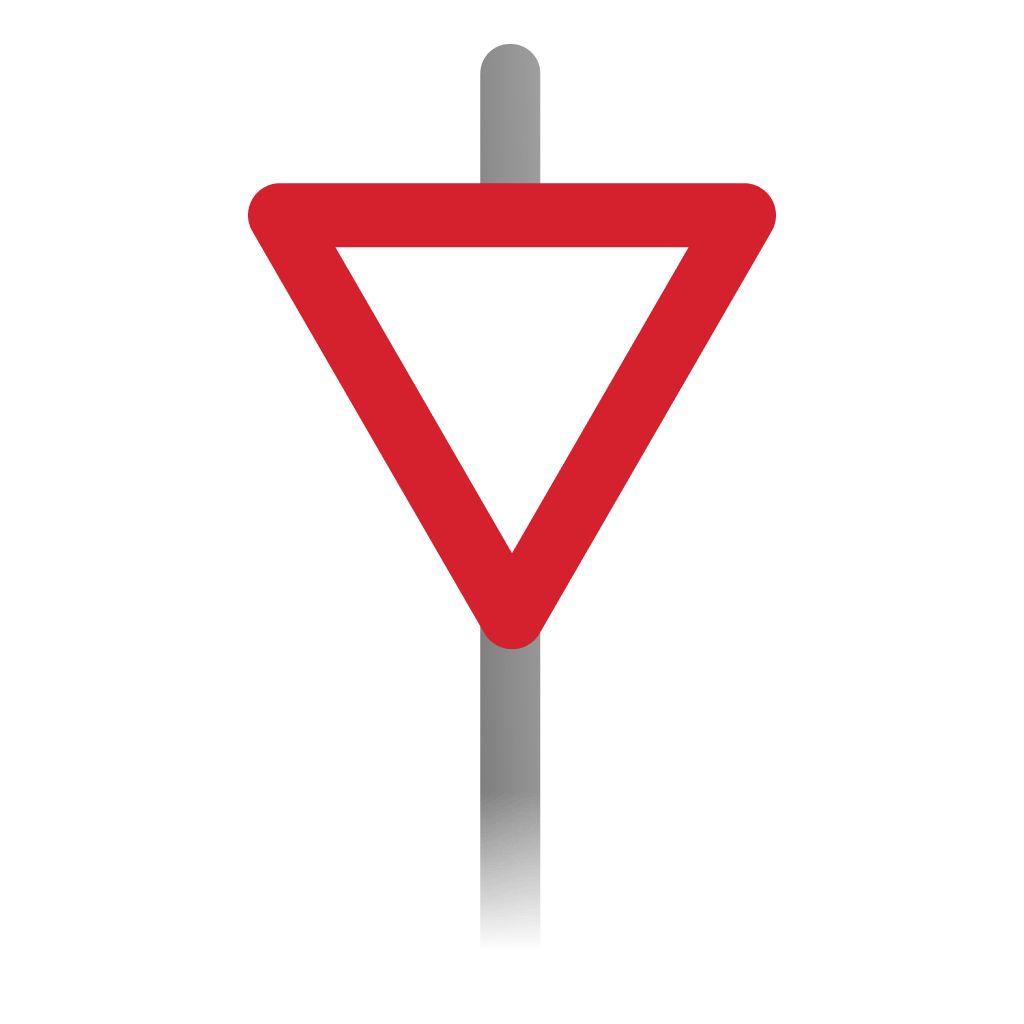
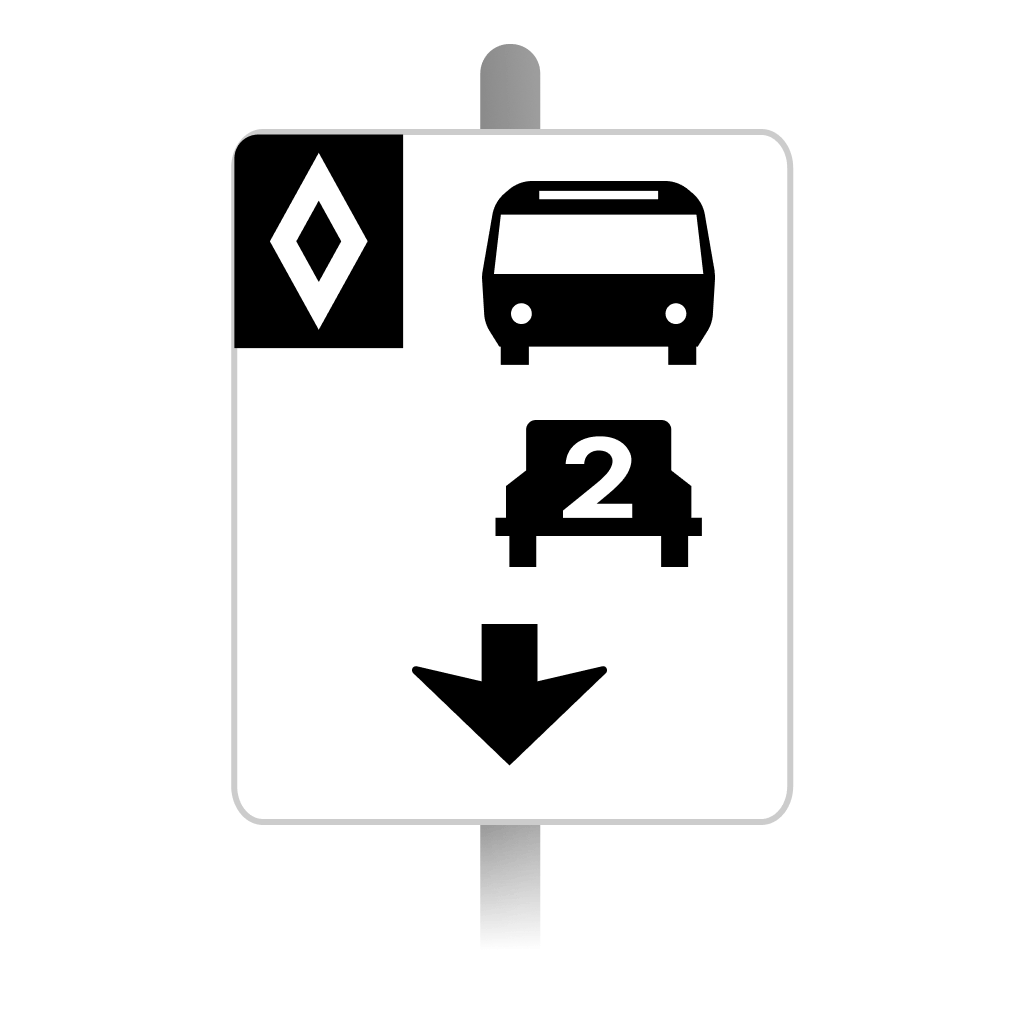
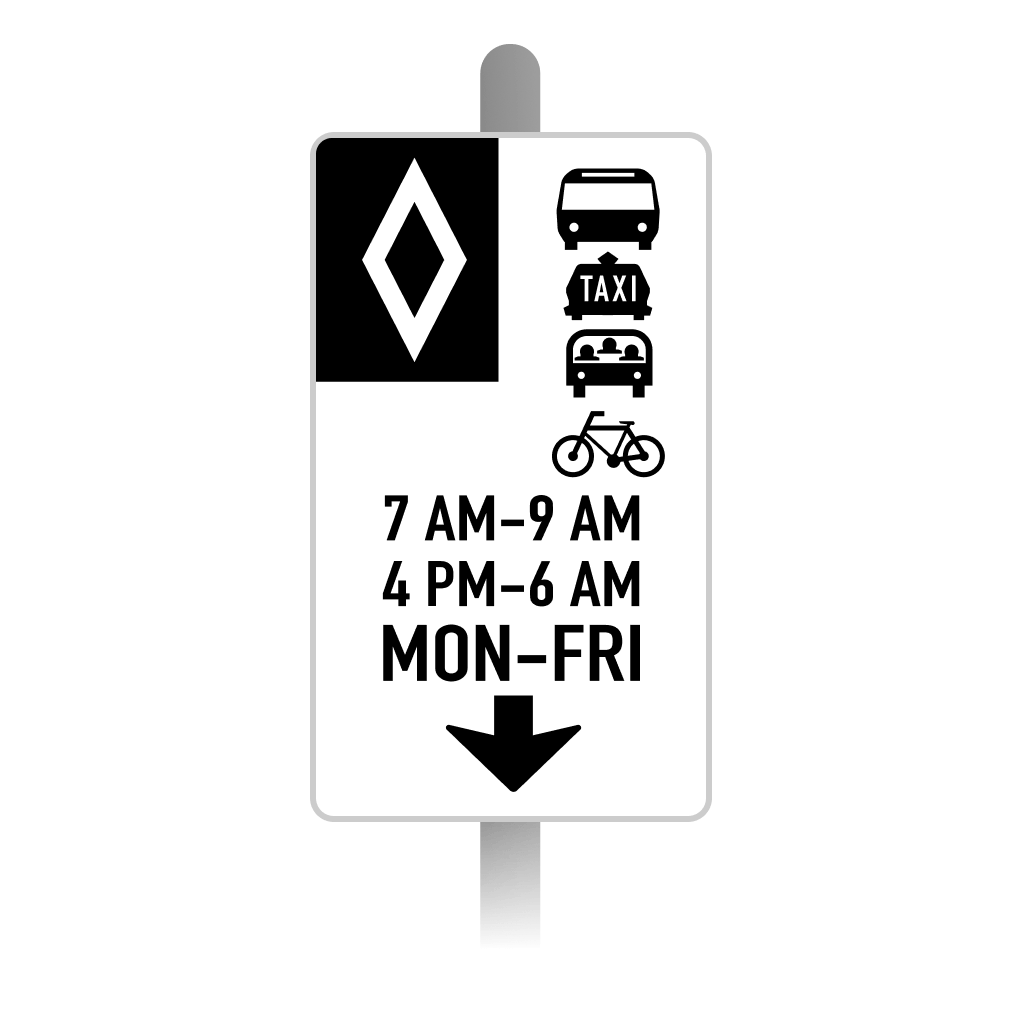
Lane Use Signs
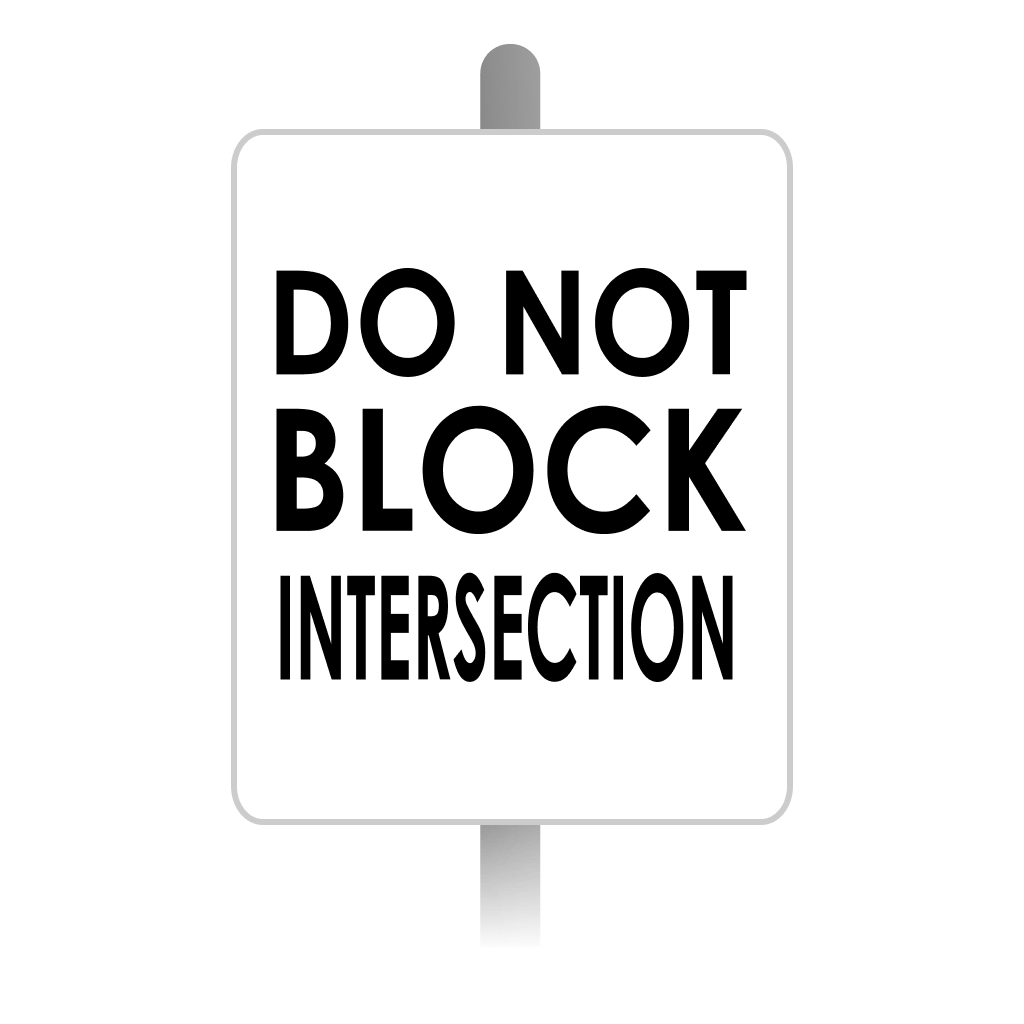
Do Not Block Intersection Sign
Keep the intersection clear when traffic ahead is backed up.
What to Do
Wait before entering until there is space for your vehicle beyond the junction.
A Detail to Remember
A green signal does not create storage space on the far side. Check the queue before moving into the intersection.
Understanding Lane Use Signs
Lane-use signs work with the road markings. Match the arrow or symbol to your lane before the decision point, and choose a safe route if you cannot change lanes in time.
Sources and Review
Checked November 12, 2026. Explanations follow the sources below; image-specific observations refer to the pictured G1 Prep artwork.
Sign artwork: G1 Prep by Roadity. See our editorial policy.