Stop sign
Stop sign ahead. Come to a complete stop at the line, then check both ways.
Every route in the app starts at an Ontario DriveTest centre and talks you through the drive. This page is a generic example. Your centre's routes, turns and hints are in the app.
Stop sign
Stop sign ahead. Come to a complete stop at the line, then check both ways.
Examples of the kinds of hints you'll hear. In the app, each one is written for its exact spot on the route.
Stop sign
Stop sign ahead. Come to a complete stop at the line, then check left, right and left again before you go.
Traffic light
Traffic lights ahead. If the light turns yellow and you can stop safely, stop.
Left turn
Left turn coming up. Move into the turning lane early and keep your wheels straight while you wait.
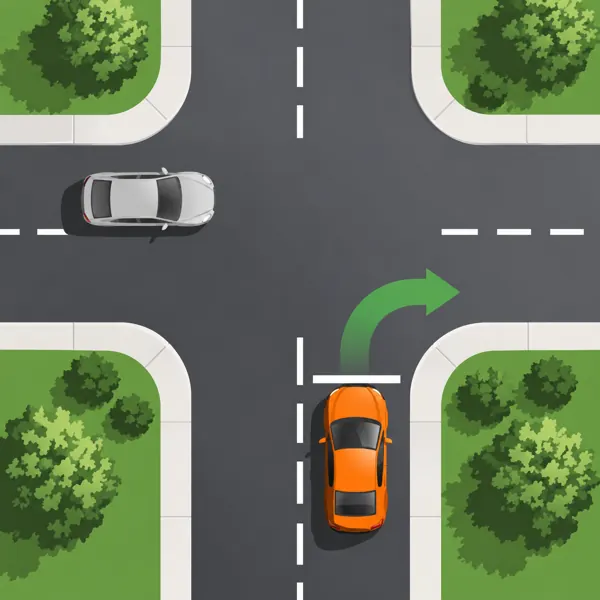
Right turn
Right turn coming up. Check your mirror and blind spot for cyclists before you turn.
Yield sign
Yield sign ahead. Slow down and be ready to stop for traffic and pedestrians.
Bike lane
Bike lane on your right. Look over your shoulder before you cross it.
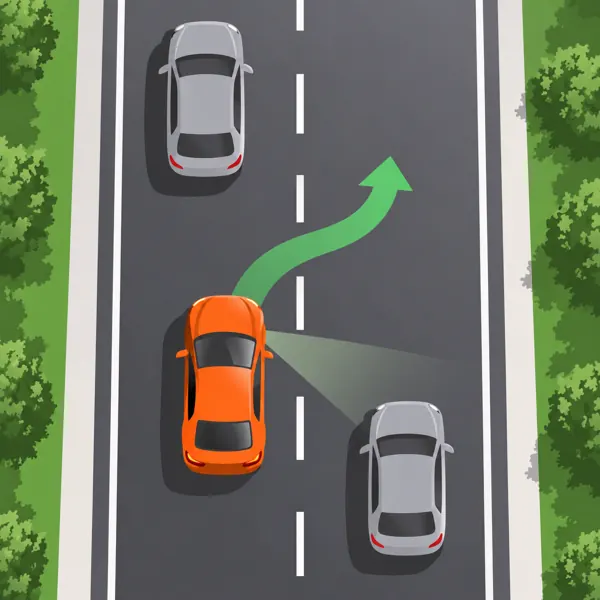
Merge
Your lane ends ahead. Signal, check your blind spot and merge when there is a safe gap.
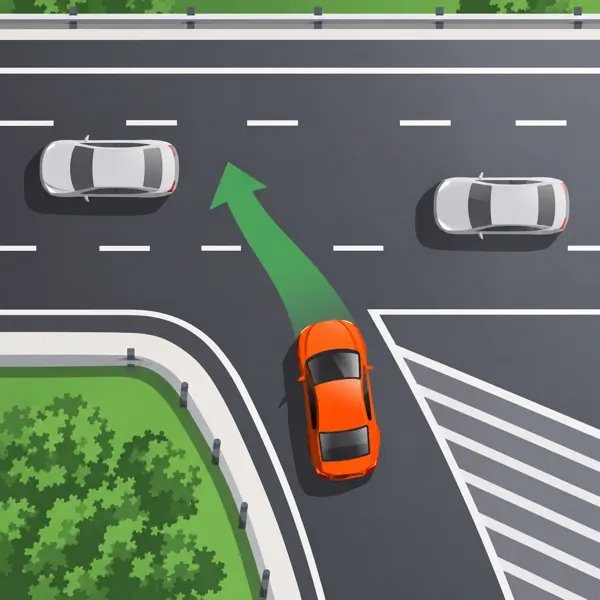
Highway entrance
Highway entrance. Use the ramp to match the speed of traffic and pick your gap early.
Highway exit
Your exit is coming up. Signal and move into the exit lane before the ramp.
Hint
You may be asked to do a low-speed manoeuvre here, such as a three-point turn or parallel parking.